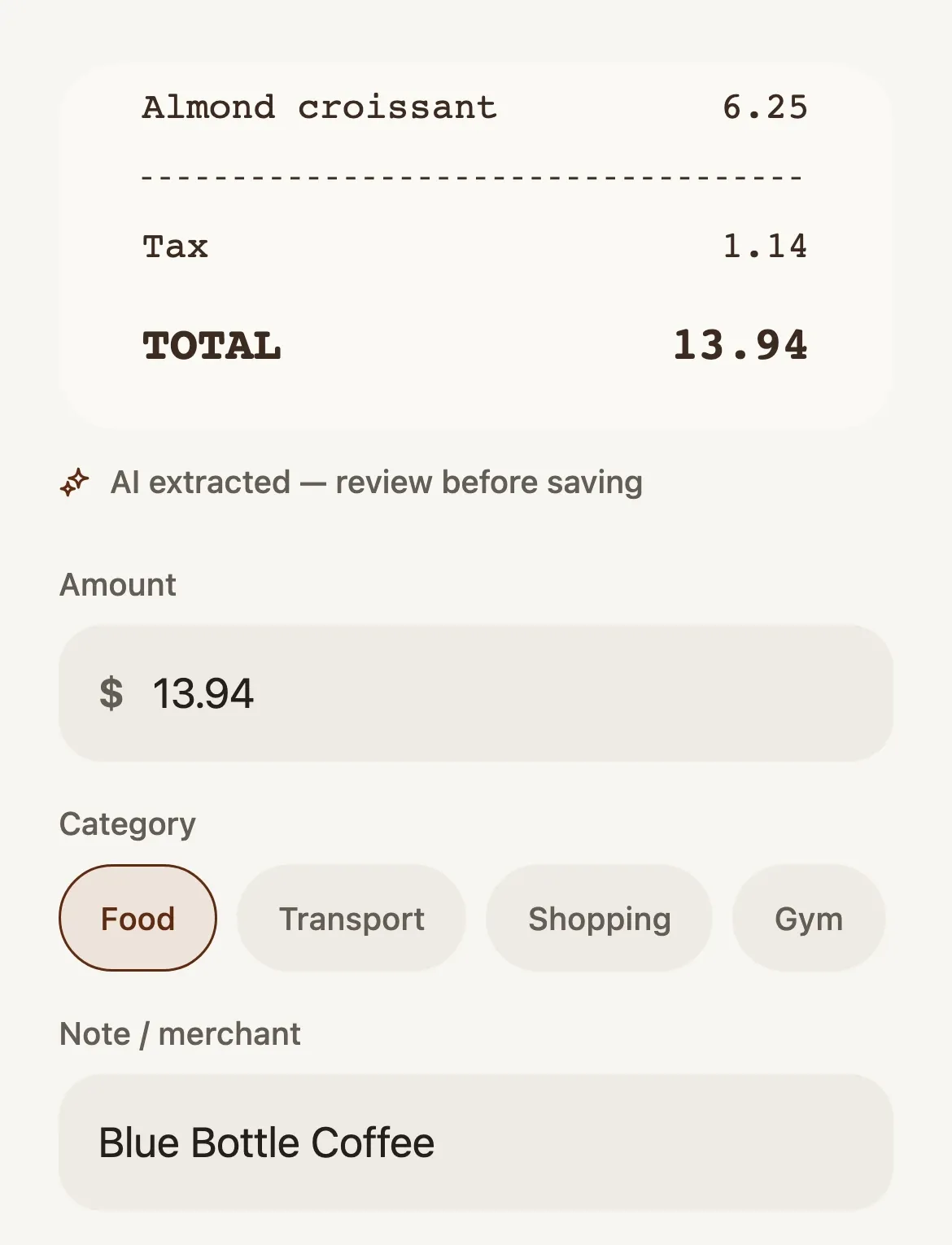
Photograph a receipt.
Take a photo, choose one, or share it to Latchet from another app. AI reads the amount, the category and the merchant. You check them, change the date if it wasn’t today, and save.
It finds your subscriptions and free trials, reads your receipts, writes down what you say you spent, and answers questions about your money. Here is each part, in pieces of the app itself.
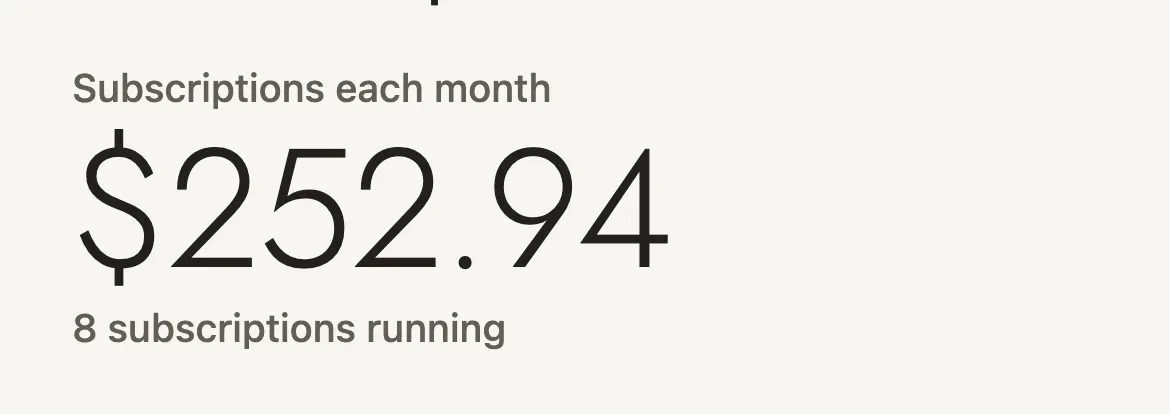
Latchet looks for what repeats in your bank transactions, statements and billing emails, after every import and every sync, so you never have to ask. Billing emails are also how it spots free trials.
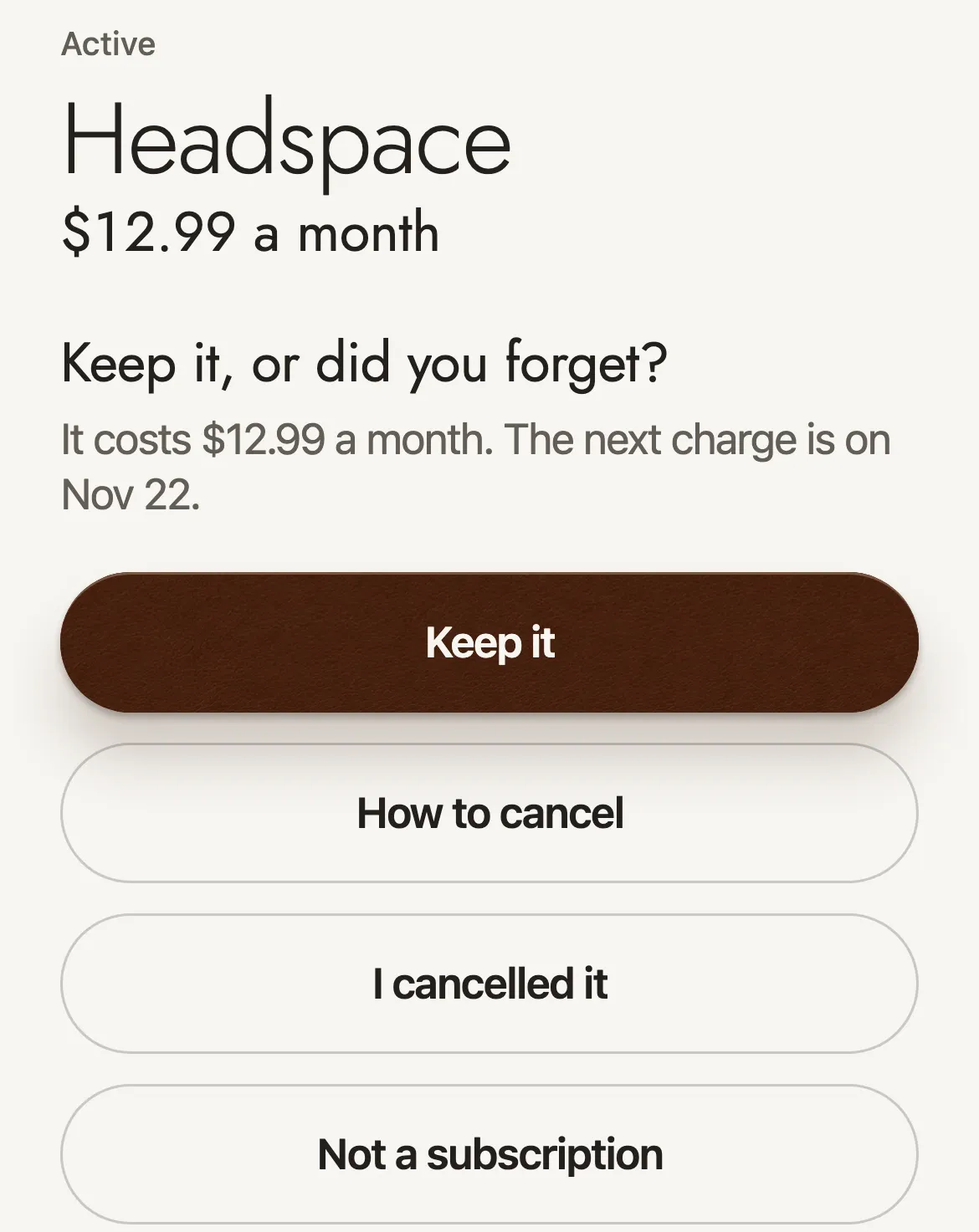
With notifications on, reminders arrive at 9 in the morning: a day before a weekly charge, three days before a monthly one, a week before a yearly one, and two days and one day before a free trial ends. You hear about a new subscription, a price rise, or a charge after cancelling the next time you open Latchet.
Each one asks: keep it, or did you forget? Tap How to cancel for the steps and a link to the company’s own page.
Take a photo, choose one, or share it to Latchet from another app. AI reads the amount, the category and the merchant. You check them, change the date if it wasn’t today, and save.
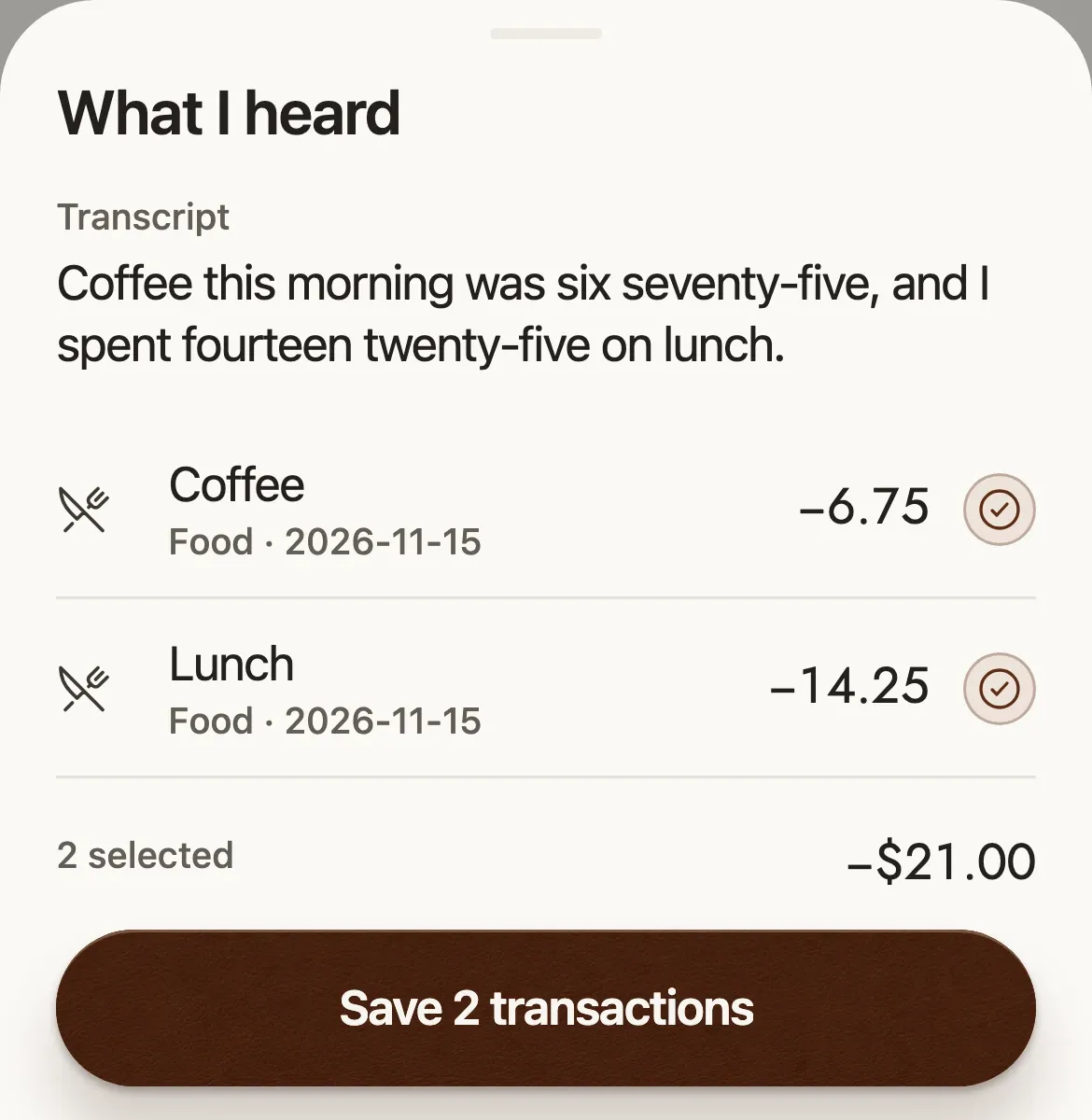
Hold the microphone in the advisor and talk: “coffee was six seventy-five, and fourteen twenty-five for lunch.” Latchet shows what it heard as transactions. Fix an amount or untick a line, then save them all at once.
On iPhone, Siri works too. Say “Log an expense in Latchet”, answer how much and what for, and it’s waiting in the app the next time you open it.
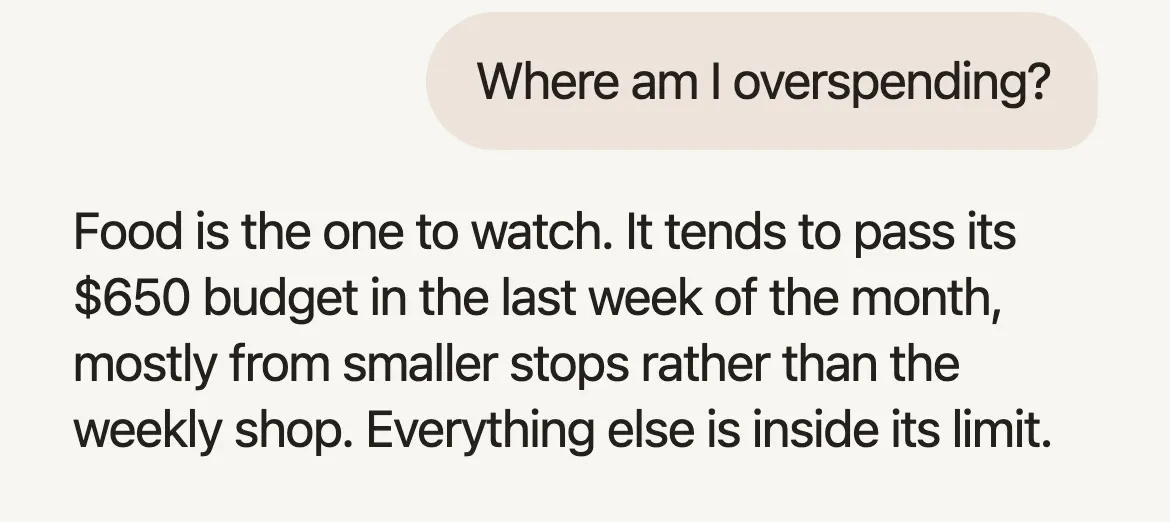
How’s this month going? Where am I overspending? How can I save more? The advisor answers from your own numbers: your budget, your spending by category, your goals.
Fill in your advisor profile, with your household, your city and what you’re saving for, and its answers fit your life. The profile is kept on your phone and sent along with your questions.
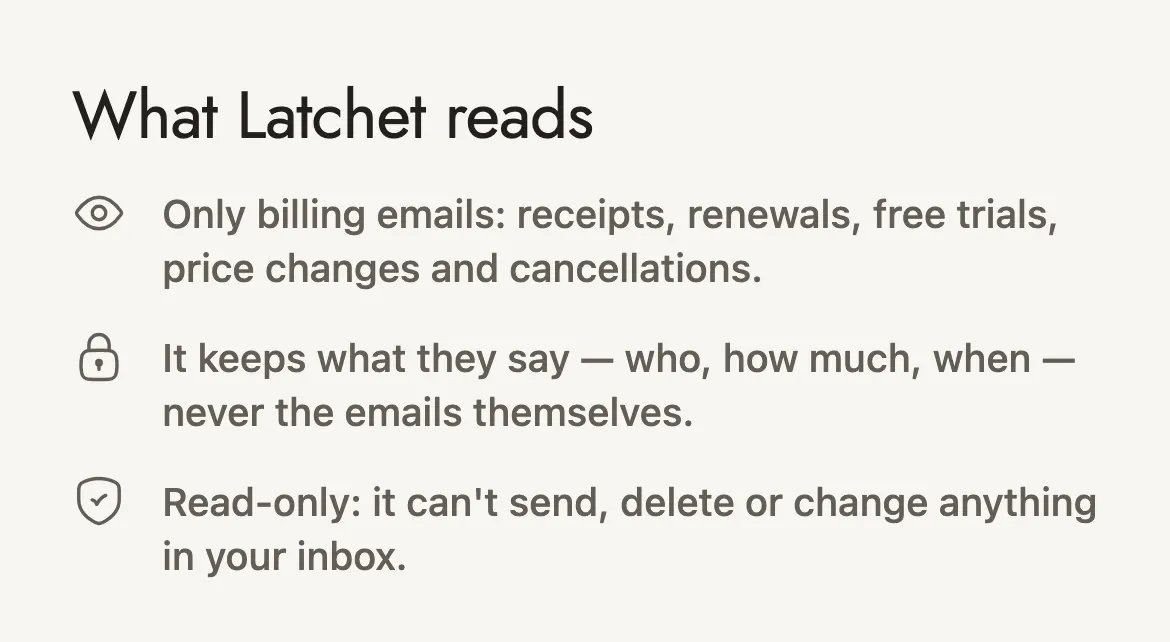
Connect Gmail and Latchet reads the last year of your billing emails, then checks for new ones about once an hour. Subscriptions, free trials and price changes appear by themselves. It keeps what the emails say: who, how much and when.
On Outlook, iCloud or anything else? Forward your bills to your own private Latchet address, or set up a rule that does it for you.
Latchet’s use and transfer to any other app of information received from Google APIs will adhere to the Google API Services User Data Policy, including the Limited Use requirements. More in the privacy policy.
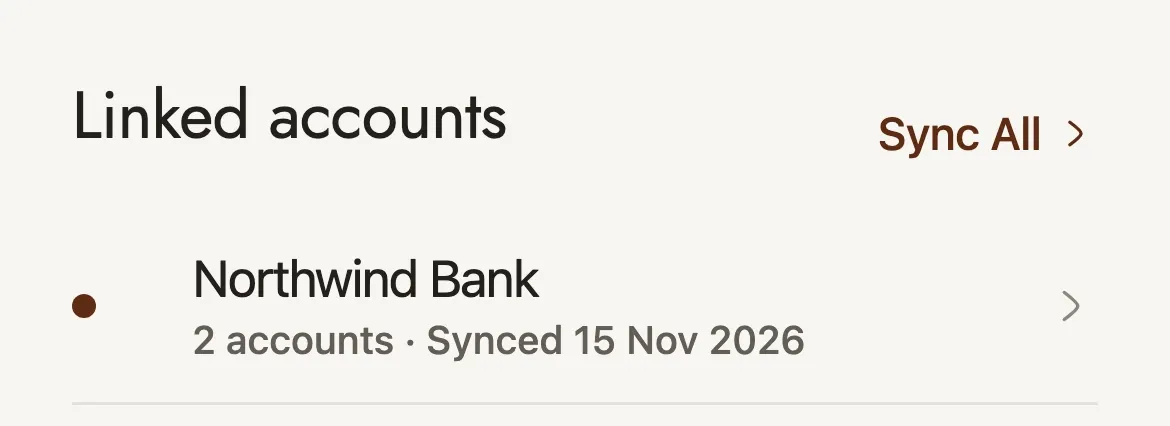
On Pro, link your bank through Plaid, in the US, Canada, the UK and much of the EU. You sign in on Plaid’s own secure page, up to two years of transactions arrive, and new ones follow as they happen.
On any plan, import a statement: a CSV from any bank, a PDF, or an Alipay or WeChat Pay export. Latchet works out which column is which, asks when it can’t tell, and skips anything already imported. CSV files are read on your phone.
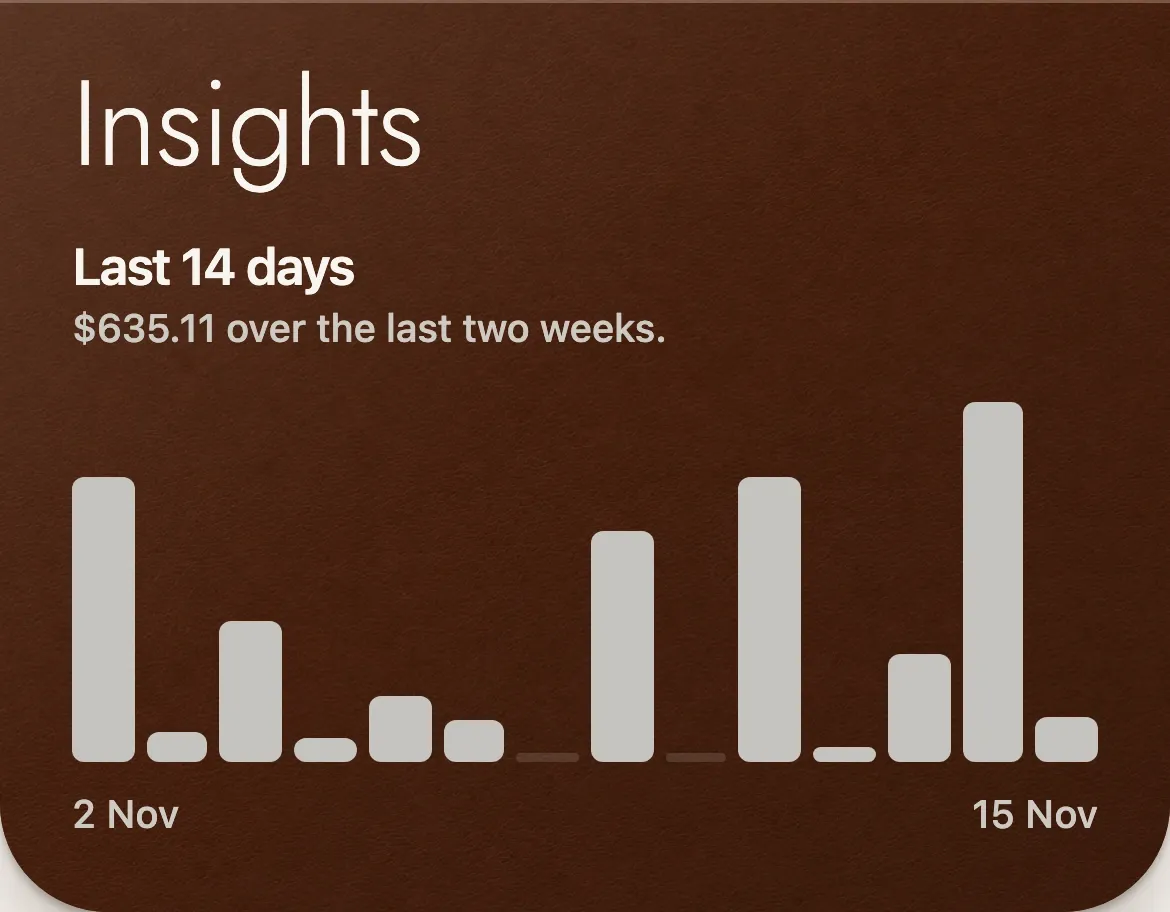
Insights shows your last two weeks at a glance, how long your balance would last at your current pace, your streaks, and a health score for how your habits are holding up. Go deeper for a spending report and alerts.
History lists every transaction by day, with a filter for each category, and one for the purchases you marked as impulse.
The same app runs a whole team: expenses with receipts, approvals, payroll and a monthly budget, with an advisor that knows the company’s numbers.
Latchet for business
For people and companies, anywhere in the world.